
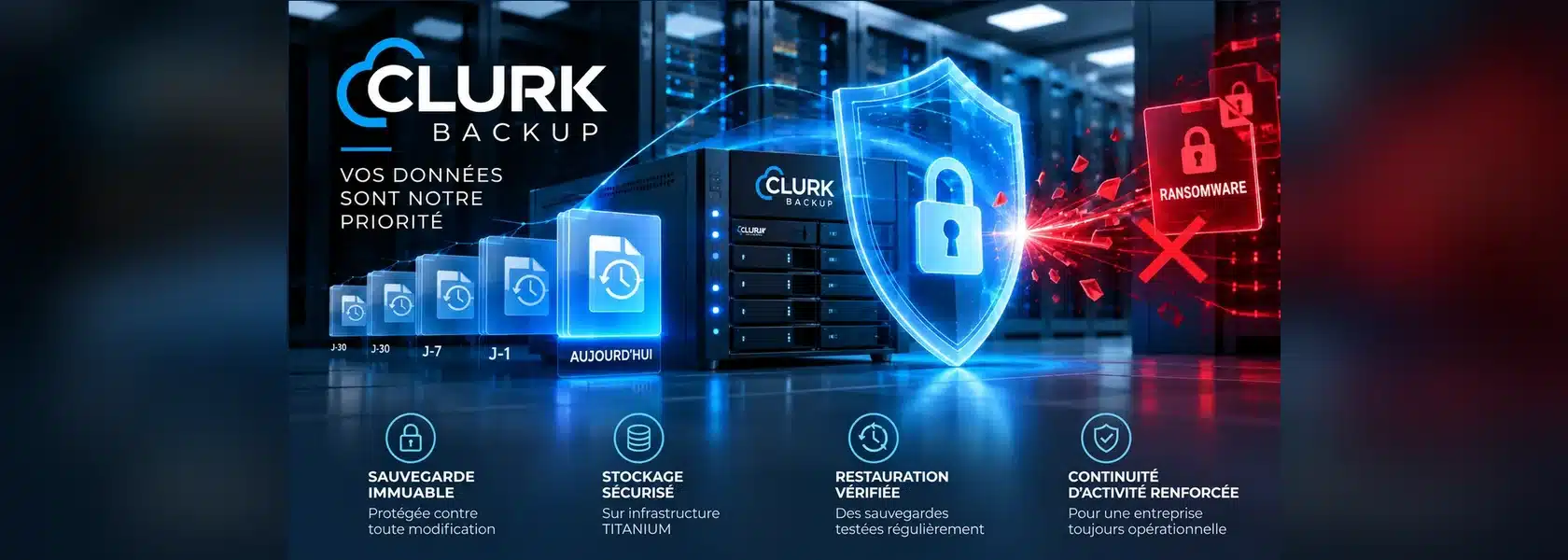
Ransomware does more than encrypt business files: it also seeks to compromise backups to prevent recovery. Against this threat, immutable backup provides an essential additional protection.
Immutability allows a backup to be retained for a defined period without being changed or deleted, subject to the guarantees of the storage system used.
How does this technology work? How does it differ from traditional backup? And how can it fit into an effective data-protection strategy? Explore the principles and good practices of immutable backup.
What is an immutable backup?
An immutable backup is a data copy protected against modification or deletion for a predefined retention period.
Unlike a traditional backup, which can be overwritten, altered or deleted by a sufficiently privileged user, immutable backup relies on locking mechanisms that prevent these operations during the protection period.
This technology draws in particular on the WORM principle, Write Once, Read Many: data is written once, then can be read without being modified.
Immutability therefore provides additional protection against ransomware, accidental deletion and certain malicious actions. It does not replace encryption, monitoring or regular recovery tests.
Why does ransomware target backups?
Ransomware is a major threat to business continuity. This malicious software can encrypt files, make applications unavailable and seriously disrupt an organisation’s operations.
Cybercriminals also seek to compromise backup systems. Their aim is simple: prevent the business from restoring data without paying a ransom.
When an attacker obtains administrative rights, they may be able to delete accessible backups, change retention policies or disable protection tasks.
It is precisely in this situation that immutability provides additional security. When correctly implemented, it prevents modification or deletion of protected copies during their retention period, even if some administrative accounts are compromised.
However, immutable backup alone does not guarantee business recovery: protecting access, keeping isolated copies and regularly testing recovery remain essential.
How does backup immutability work?
Immutability relies on protection mechanisms applied to backup storage. Once data is recorded, it is locked for a defined period to prevent modification or deletion.
Several technologies can implement this protection.
WORM storage: Write Once, Read Many
The WORM principle allows data to be written and then kept read-only for a set period. Protected copies cannot be overwritten or deleted before their retention period expires, according to the guarantees of the system used.
Object locking: Object Lock
Some object-storage services, including Amazon S3-compatible services, provide backup-locking mechanisms.
Depending on the configured retention mode, these mechanisms can prevent deletion of objects, including by highly privileged accounts.
Retention periods
The retention period determines how long a backup stays protected. It must match the business’s recovery needs, regulatory constraints and data-retention policy.
Isolation and access separation
Immutability is more effective when combined with separate administrative accounts, multifactor authentication and protected storage access.
It is also important to distinguish a backup merely kept read-only from true immutability guaranteed by the storage system.
Immutability fits into a broader data-protection strategy. In particular, it can complement the 3-2-1 backup rule by adding an immutable or offline copy. To learn more about protection and redundancy principles, see our article on backup strategies.
How can immutable backups be implemented with Clurk Backup V10?
Clurk Backup V10 allows immutable backups to be implemented to strengthen data protection against ransomware, accidental deletion and malicious actions.
At CLURK, this technology is notably deployed on our TITANIUM storage infrastructure, hosted on our own servers and administered by our teams.
With immutability enabled on TITANIUM, protected backups cannot be modified or deleted during their defined retention period, according to the configured protection mechanisms.
This approach gives businesses better-protected backup copies in the event of a cyberattack while retaining the benefits of external backup and a controlled infrastructure.
Two storage ranges suited to business needs
CLURK also offers COBALT, which uses S3 cloud storage at Scaleway. This range allows backups to be externalised but does not currently have the immutability enabled on TITANIUM.
The choice between TITANIUM and COBALT therefore depends on each business’s security and continuity requirements and budget.
With Clurk Backup V10 and TITANIUM storage, businesses have a solution combining external backup and immutable data protection.
What good practices help secure immutable backups?
Immutability is important protection against ransomware, but must form part of a complete backup policy. Several good practices should be followed to support data availability and facilitate recovery.
Define an appropriate retention period
The retention period should allow a clean data version to be found, including when a cyberattack is detected only days or weeks after infection.
An overly short period can cause the last usable copies to disappear. Conversely, excessive retention increases storage needs and can complicate data management.
Secure backup access
Backup-system administrative accounts must be protected by strong passwords, multifactor authentication where available and access rights limited to actual needs.
Separating administrative accounts from those used for backups also reduces the risks of compromise.
Monitor backups and alerts
An immutable backup is useful only if the data is backed up correctly.
It is therefore essential to monitor task execution, analyse errors and receive alerts when a backup fails or unusual behaviour is detected.
Test recovery regularly
A successful backup task does not guarantee that data can be restored within the expected time.
Regular tests check data integrity, the availability of recovery points and the ability to return systems to service.
To explore measures for preventing and protecting against cyberattacks, businesses can also consult recommendations from theFrench National Cybersecurity Agency (ANSSI).
Prepare a disaster-recovery plan
Immutable backup should form part of a business-continuity and disaster-recovery strategy.
In particular, the business should define its RPO (maximum acceptable data loss) and its RTO (maximum acceptable interruption), then check that its backup architecture and recovery procedures meet these objectives.
Immutable backup: an essential asset against ransomware
With increasingly sophisticated cyberattacks, businesses need backups that are reliable, protected and recoverable.
Immutable backup adds security by preventing modification or deletion of protected copies during their retention period. Combined with a rigorous backup policy, regular monitoring and recovery tests, it helps strengthen organisations’ IT resilience.
With CLURK Backup V10 and its TITANIUM storage infrastructure, businesses benefit from external backup with immutability, on servers operated and administered by CLURK.
Would you like to strengthen protection of your backups against ransomware?
Contact the CLURK teams to study an immutable-backup solution suited to your infrastructure, security requirements and business-recovery objectives.